Showing a Land Access Permit on Your Phone
A permit on your phone is convenient—until you reach a trailhead with no signal or an officer asks to see proof. The key is knowing which permit you have and what its issuer accepts. Oklahoma land-access permits and USDA Forest Service permits for other activities are not automatically interchangeable, so verify the rules for your specific riding area before you leave.
First, identify the permit you need to show
“Land access permit” can mean different things. A permit for riding on a particular area is not necessarily the same as a permit issued for another activity on public land. Before relying on a digital copy, check the name of the permit, who issued it and what activity it covers.
| Permit or document | What to check before relying on your phone |
|---|---|
| Oklahoma land-access permit for riding | Confirm with the permit issuer whether an image or downloaded copy is accepted during a field check |
| USDA Forest Service special forest product permit | Carry a printed permit; a digital copy on a mobile device is not accepted |
| Riding access in the Ouachita National Forest | Confirm the current riding requirements with the USDA Forest Service, which oversees the off-road trails and lands within the Oklahoma portion of the forest |
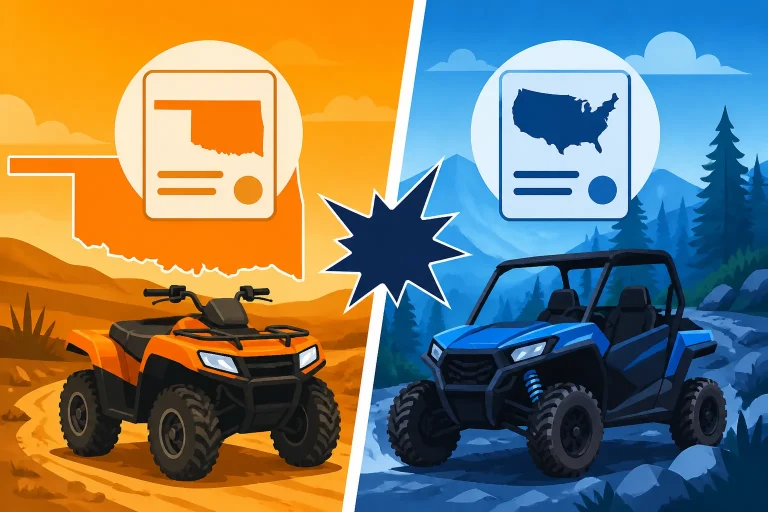
The distinction matters because a rule for one permit type does not automatically apply to another. According to the USDA Forest Service, a digital copy displayed on a mobile device is not accepted for permits issued through its special forest product online system, such as firewood or product permits. The permittee must have a physical printed permit. That rule is specific to those permits; it does not, by itself, answer whether an Oklahoma riding land-access permit can be shown on a phone.
If your trip involves a Forest Service trail, verify the requirements for the riding activity and the specific area. The USDA Forest Service oversees off-road vehicle trails and lands within the Ouachita National Forest in Oklahoma, but that does not mean every permit associated with a ride follows the same display rule. For background on access, see Oklahoma Ouachita National Forest Access.
If you are unsure which permit applies, start with Oklahoma Land Access Permits Explained. The requirements can differ depending on where you plan to ride and what access the permit covers. Riders traveling from outside the state can also check Oklahoma’s Nonresident Land Access Permit and Oklahoma Rules for an Out-of-State Machine rather than assuming a home-state decal or permit substitutes for Oklahoma requirements.
How to verify whether your riding permit can be shown digitally
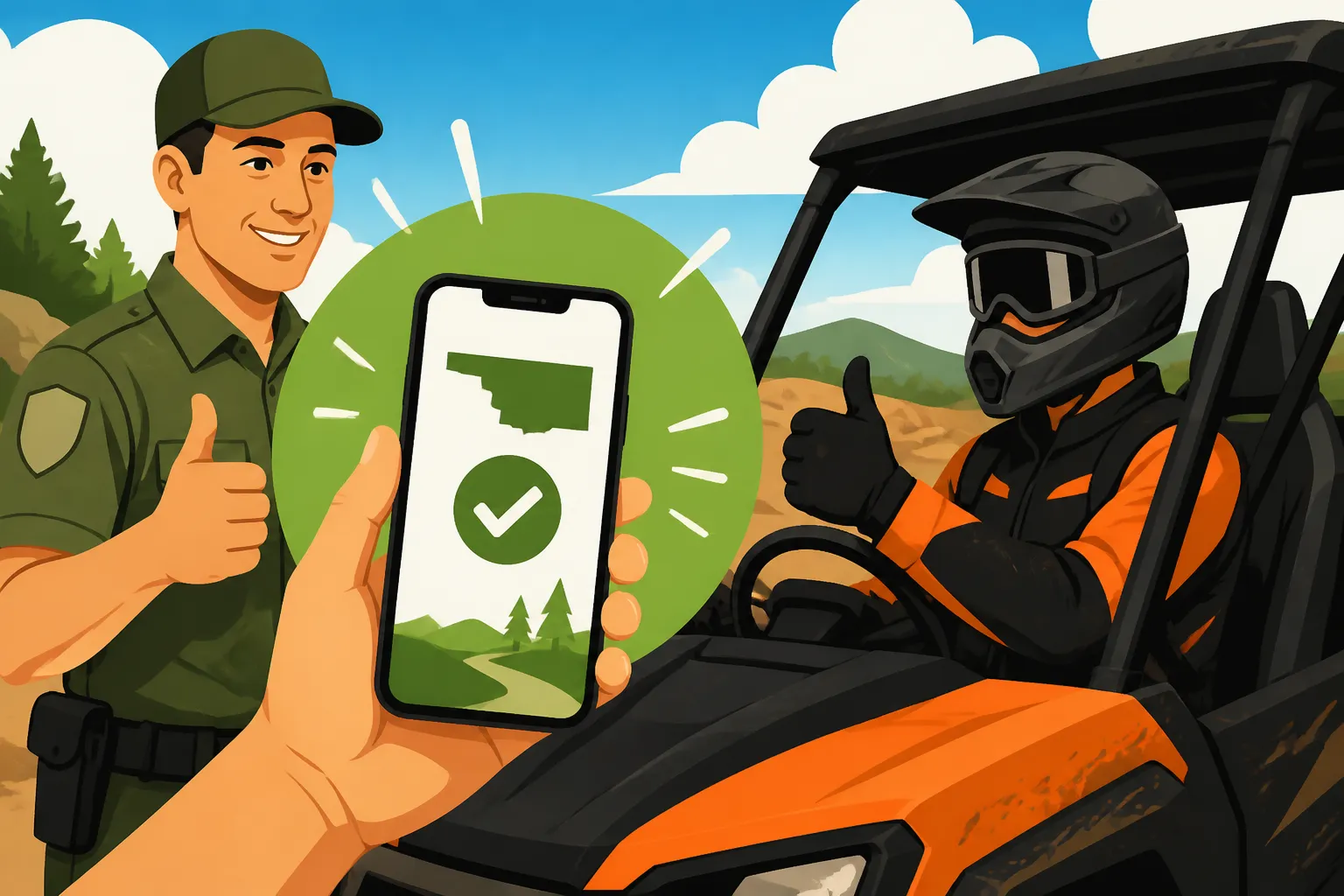
Do not treat a phone screenshot as accepted proof just because the permit was bought or issued online. Online purchase and acceptable field display are separate questions. Look for instructions from the issuer about carrying the permit, displaying it, or presenting it if asked.
Ask the issuer a specific question
Contact the agency or land manager responsible for the permit and ask plainly: “Can I show this riding permit on my phone during a field check, or must I carry a printed copy?” If you will ride in more than one area, ask whether the answer changes by location. Keep the response with your trip details, but follow any formal permit instructions if they say something different.
You can use Oklahoma Permit Questions Riders Ask to prepare other questions about which permit applies. For permits associated with particular properties or access programs, confirm the exact program rather than relying on a general answer about permits in Oklahoma.
Check the document itself
Read the permit and any instructions that came with it. Check whether they specify a paper copy, a digital display, or a particular way to make the permit available. Also confirm that the permit covers the planned ride and is valid for the area and activity you intend to use. A clear image of a permit does not fix a mismatch in location or permitted use.
If the permit has an account page or an official app, confirm that you can still access it without a connection. Do not assume that a page which loads at home will load at a remote trailhead. Save the permit in a format that opens offline, and make sure the image is readable rather than cropped or obscured.
Keep the rules for different permits separate
The Forest Service printed-copy requirement is easy to misapply. It concerns special forest product permits issued through its online system, including permits for firewood or other products. It is not evidence that every riding access permit must be printed, and it is not evidence that every riding permit can be shown digitally.
When a ride includes more than one type of authorization, treat each document separately. A riding permit may cover access, while a separate permit may relate to another activity. Check what each document authorizes and how its issuer requires it to be carried. If you are still unsure, a printed copy is a sensible backup, but it does not replace confirming that you have the correct permit.
Make your permit available when you reach the trail
A phone can fail for ordinary reasons: the battery runs down, the screen breaks, the file is buried in email, or the trailhead has no service. Prepare so that a technical problem does not leave you unable to show the document you were told to carry.
Save it before you leave
Download the permit or its official confirmation while you have a reliable connection. Open the saved file once to check that it works offline and shows the permit details clearly. Keep it somewhere easy to reach, such as a designated folder or offline file area, rather than relying on a search through messages at the trailhead.
If you use a screenshot, make sure it includes the information the issuer says must be visible. Do not crop out conditions, dates or identification details that may be needed to confirm the permit. If the issuer requires the original document or a printed copy, a screenshot is not a substitute.
Carry paper when the instructions require it or the answer is unclear
When the issuing authority says a printed permit is required, carry the physical printout. For Forest Service special forest product permits in its online system, the USDA Forest Service requires the permittee to possess a printed permit; a phone display is not accepted.
For a riding permit whose digital-display policy you have not confirmed, printing a copy can reduce the risk of being unable to show it. But avoid treating paper as a cure-all: first make sure the permit is the right one for the place and activity. Keep the paper copy protected from rain, mud and damage. A simple waterproof document sleeve can help; if you shop for one on Amazon, check that it fits the printout and closes securely.
Prepare for a field check
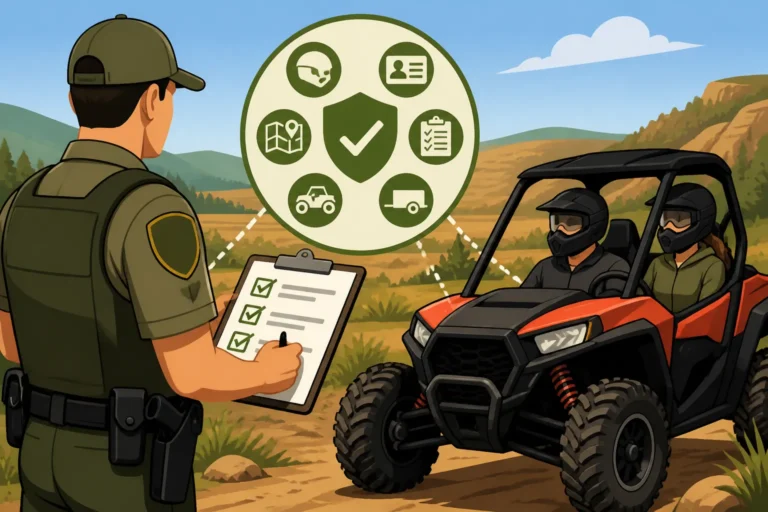
Before unloading, make sure the rider responsible for the permit knows where it is stored and how to present it. Keep the permit accessible without handing over an unlocked phone or searching through personal files. If the area has posted instructions, read them and follow any directions about check-in or carrying documents.
For a broader checklist of what to have available while riding, see Oklahoma Proof of Ownership on the Trail. Ownership paperwork and an access permit serve different purposes, so do not assume that showing one document satisfies a request for the other. If your ride depends on connectivity, Oklahoma Trails With Cell Service may help with planning, but coverage should not be your only way to access a required permit.
A practical pre-ride checklist
Use this sequence before heading out:
- Identify the riding area and the authority responsible for access.
- Confirm which permit applies to your activity and location.
- Ask the issuer whether a phone display is accepted or whether a printed copy is required.
- Read the permit conditions and check that the document is complete and readable.
- Save an offline copy if digital display is permitted.
- Print the permit if the issuer requires paper or if you have not been able to confirm the digital-display rule.
- Keep the permit accessible to the person who may be asked to show it.
This approach avoids two common mistakes: assuming every online permit can be shown on a phone, and assuming the Forest Service rule for special forest product permits applies to every riding permit. The reliable answer comes from the issuer of the specific permit you plan to use. When you cannot confirm the rule, carry a printed copy as a backup and verify that the permit itself covers your ride.
Disclaimer
This article is for general informational purposes only and does not constitute professional advice. Laws, prices and regulations vary by location and change over time. Consult a qualified professional for guidance on your specific situation.